Trying to enroll? Jump to the "How To Enroll" section.
What happens when your student’s education is disrupted by an unexpected injury or illness? Depending on the timing of the withdrawal, you may not be eligible to receive a refund of all of your tuition and fees.
GradGuard Tuition Insurance strengthens and broadens the scope of our existing refund policy, and can help students and parents avoid a financial loss due to an unexpected withdrawal for a serious covered illness, injury, or other covered reason.
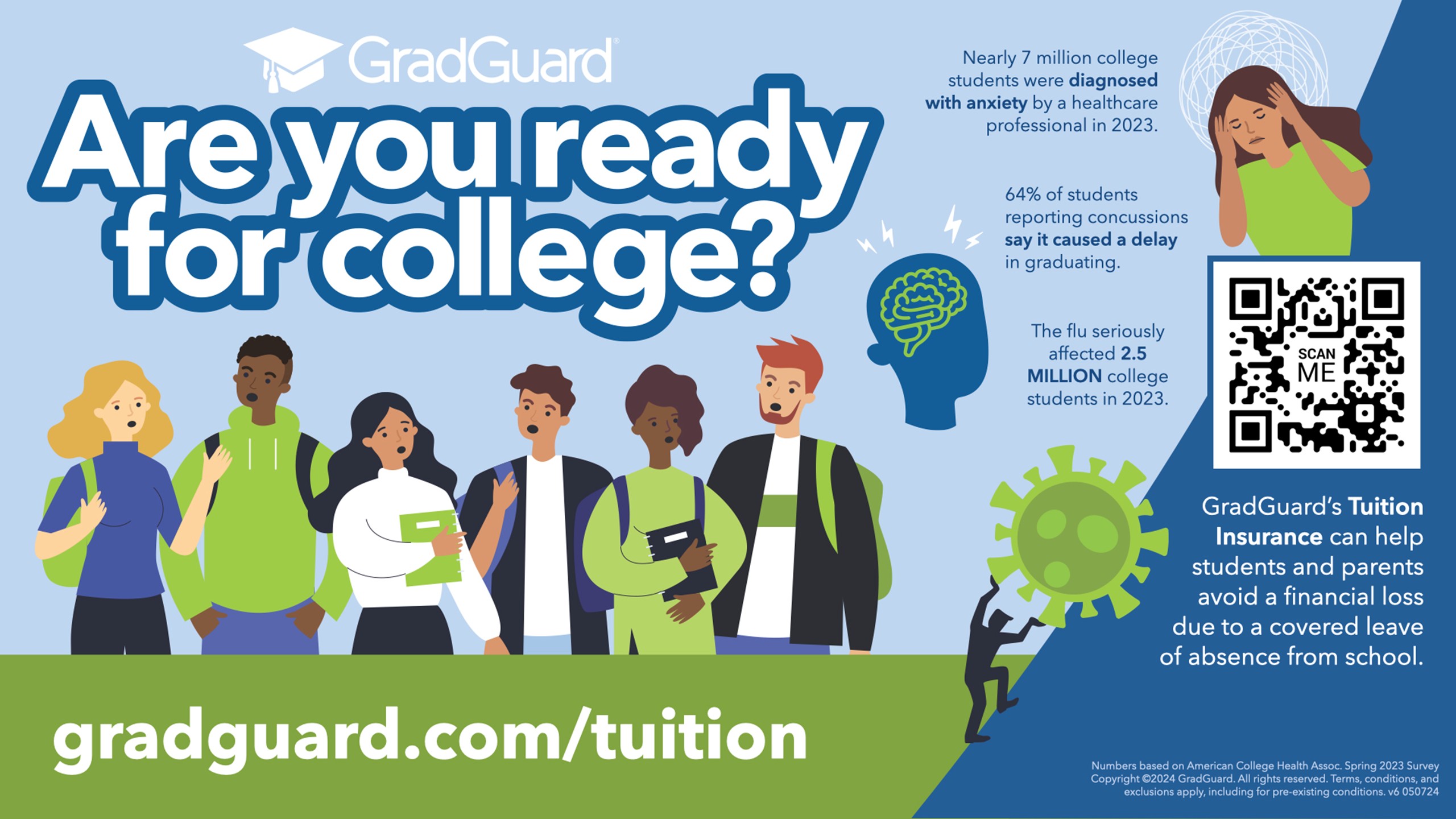
The Optional Tuition Protection Insurance Plan helps students and their families overcome the financial losses that may result from events which force students to withdraw from the semester due to a covered medical reason. Helping families get the most out of your University of Missouri – Columbia experience is always our top priority. That’s why we’ve partnered with GradGuard™ to make the Tuition Insurance Plan available to our families.
GradGuard can reimburse up to 100% of the student’s investment, including other school-invoiced fees, after a withdrawal due to a covered reason such as:
- Covered Serious Injury or Illness such as mononucleosis, or severe head injury
- Chronic Illness such as diabetes or an auto-immune disorder
- Mental Health Conditions like depression, anxiety, suicide/attempted suicide
Covered withdrawals can take place any time during the covered term. GradGuard offers members special access to an Assistance Hotline to help students and their families take care of emergencies and unexpected issues.
How to Enroll:
Option 1: Via TouchNet
- Log into TouchNet
-
Student Login
- Click the "Financial Account" tile.
- Click "Proceed to TouchNe.t"
-
Authorized User Login
- Sign in with your Username and Password.
-
Student Login
- After logging in, a pop-up will appear asking if you'd like to sign up for GradGuard Tuition Insurance and provide additional information.
- Click "Yes, protect my term", then click "Continue."
If you're not ready to decide yet:
Click "No, do not protect my tuition payment."
You can return later, look for the Tuition Insurance option in the top right corner of the TouchNet homepage.
Option 2: Via Gradguard Directly:
- Visit gradguard.com/tuition
- Click "Get a quote"
- Search for "University of Missouri - Columbia"
- Follow prompts to get your quote and sign up.
Still have questions or need assistance?
Visit our Contact Information page to get in touch with us.
| Mizzou is an equal opportunity employer. |
| © 2026 - The Curators of the University of Missouri. All Rights Reserved. Accessibility Privacy Policy |
| Restrictions on Use of University Marks, Identifiers, and Content. DMCA/Copyright Information. |